Hand her the temptation.
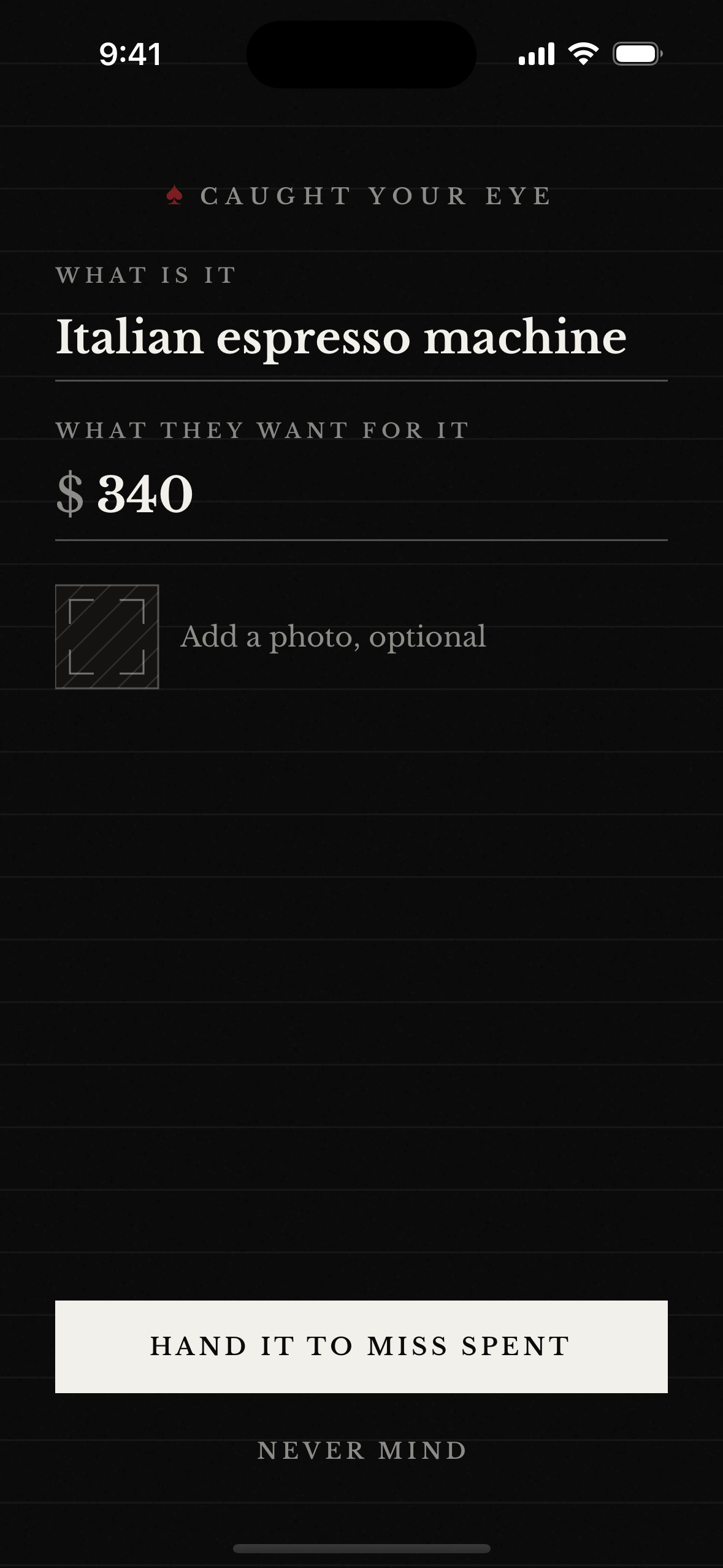
Save the item while the wanting is fresh. Price, photo, and context stay with the decision instead of disappearing into another wishlist.
Your Accountability Dame
“I spent fortunes so you don’t have to.”
About to buy something you didn’t plan? Miss Spent is an impulse spending app for iPhone. Hand the temptation over before checkout. Let it cool, then decide when it comes back for the Reckoning.
Save what you don’t buy. The purchase-pause flow is free.

Before checkout
Put the purchase somewhere besides checkout. Miss Spent holds it until the urgency cools, then brings it back when you can decide without the countdown in your head.
The loop
A jacket, a gadget, the 2 a.m. cart. Send the temptation to Miss Spent while the wanting is fresh.
She puts it on ice for a few days. No verdict yet. Want has a short shelf life.
When time is up, make the call: the want survived, or it did not. Bought it? Record that too.
Every no goes to the Stash, a running tally of the money you chose not to spend.
Inside the app
Save the item while the wanting is fresh. Price, photo, and context stay with the decision instead of disappearing into another wishlist.
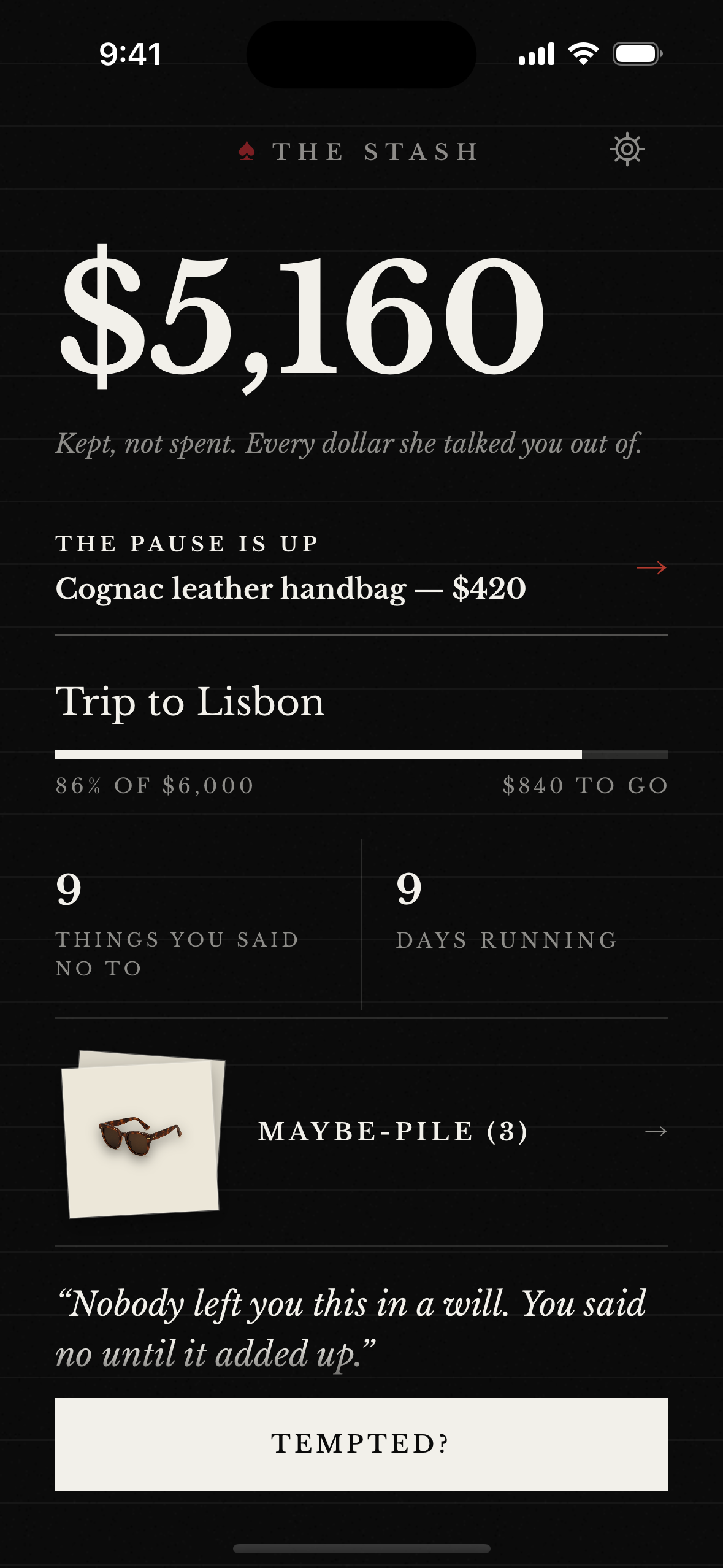
Every purchase you walk away from adds its price to the Stash, a tally of spending avoided — not money moved into a bank account.
Your ledger can mirror through your private iCloud database when iCloud is available, and widgets keep the Stash, cooling pile, and ready docket close. Capture still works offline.
Price
Capture, wait, Reckoning, and Stash cost $0. The optional Unlock is $19.99 once for extras and export. See pricing.
Account
Miss Spent does not need your bank feed to interrupt a purchase before checkout.
Privacy
Anonymous analytics exclude item content. Read the current storage, private iCloud, and analytics details.
Start free
$0
Capture → Pause → Reckoning → Stash.
Want more Dame? The optional $19.99 one-time Unlock adds the Evidence dossier theme, a second voice register, and Ledger export. Never a subscription.
Download on the App StoreTry it in the browser
Answer three questions in the private browser checker, or print a card for the next checkout. Both give the decision a little distance without asking for an account or bank connection.
No account or bank connection. Miss Spent is a spending-pause tool, not personal financial advice.